 |
|
| [an error occurred while processing this directive] |
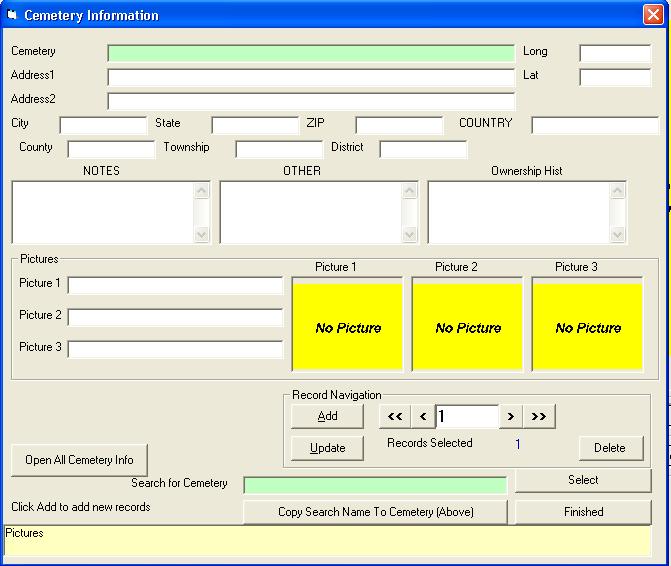
HelpCemetery InformationScreenshot of previous version is here.Cemetery Information ScreenshotAfter double-clicking on the cemetery field in the main editor the following screen will appear:
Cemetery Information Entry Fields HelpThe "Search For Cemetery" (outlined in red, same as cemetery field in the Editor) and the "Cemetery" field (outlined in green) should be the same.
Information for multiple cemeteries can be entered. The information that is entered into the CemEditor's "Cemetery" field must match exactly to the "Cemetery" field above. Field Sizes
|


 |
![[Valid RSS]](http://www.ovs-genealogy.com/images/valid-rss.png "Validate my RSS feed")
|
[an error occurred while processing this directive]
Contact: support@ovs-genealogy.com
To receive replies make sure to allow email from this address in your email filter
www.ovs-genealogy.com